
Description
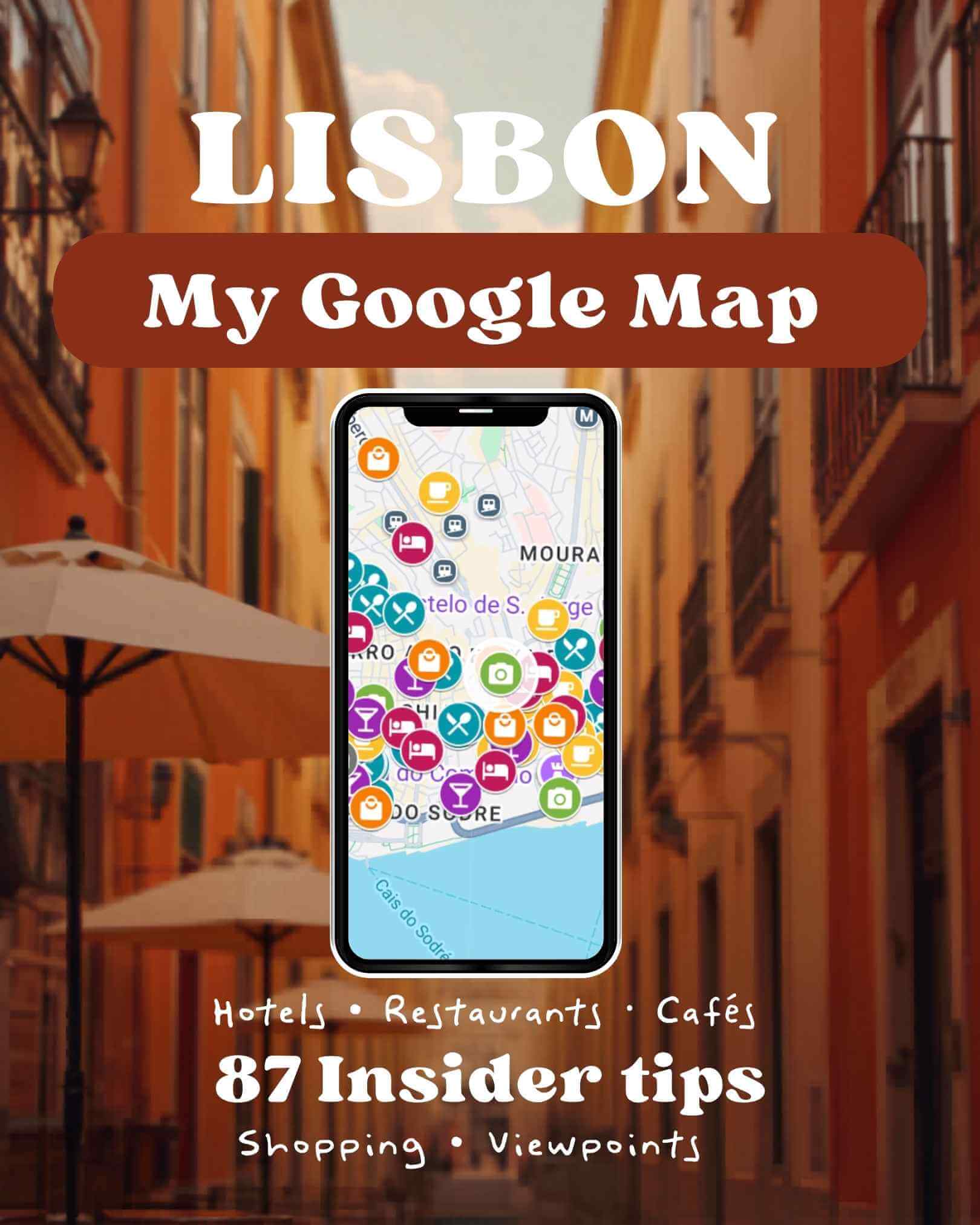
Lisbon Google Maps 🇵🇹
87 hand-picked Lisbon locations straight into your Google Maps 🗺️
€9,95
Introductory price · limited time
Introductory price · limited time
You saved dozens of posts for Lisbon and still end up in the same crowded spots. This map fixes that. After five trips to Lisbon, I know exactly where to go.
My 87 handpicked places, straight into your Google Maps. Includes spots I have never shared online!
Just open and go. One purchase. Lifetime access.
Secure payment via:





What the Lisbon Google Maps includes
87 personally visited locations across 6 categories, organised by colour in your Google Maps:
- 🍽️ Restaurants and Cafés: local spots worth the detour, from tascas to rooftop terraces
- ☕ Coffee, Brunch and Pastéis: the best pastelarias, specialty coffee bars and brunch spots
- 📸 Photo Spots and Viewpoints: miradouros and hidden vantage points away from the crowds
- 🍷 Bars and Sundowners: wine bars, cocktail spots and the best sunset terraces
- 🏨 Hotels and Stays: boutique hotels and stylish guesthouses I personally recommend
- 🛍️ Best Shopping Spots: independent shops, concept stores and local market finds
- ★ Lifetime access, no expiry, no subscription
- ★ Free updates whenever I discover new spots in Lisbon
- ★ Works on iPhone, Android and desktop. No extra app needed
How it works
Getting started takes less than two minutes:
🛒1. Purchase the mapAdd to cart and complete checkout. Enter the email address linked to your Google account.
📧2. Receive your invitationWithin 24 hours you receive an email from Google Maps. Click “View map” to accept access.
📍3. Use it on any deviceAll 87 pins appear in your Google Maps. Tap any spot to navigate directly.
Good to know: not sure which email to use? Open Google Maps on your phone and tap your profile photo in the top right corner. That is the address to enter at checkout.
What other travellers say
S
Sarah K.Verified buyer
★★★★★
Used it every single day in Lisbon and found spots I never would have discovered on my own. The coffee and viewpoint categories alone were worth it.
M
Marieke V.Verified buyer
★★★★★
Super easy to set up. As a solo traveller it gave me so much more confidence knowing exactly where to go. Setup took about two minutes and worked perfectly offline too.
How to use the map in Lisbon
Once you have accepted the invitation, the map is yours. Here is how to get the most out of it during your trip:
📱Open it in the Google Maps appIn the Google Maps app, tap Saved and then tap Maps. The Lisbon Insider Map appears there. Tap it and all 87 pins load directly on your map.
🔍Filter by categoryThe map is divided into 6 colour-coded layers. Toggle each layer on or off so you only see what is relevant at that moment.
🧭Navigate directly from any pinTap any pin to see the name and a note about the location. Then tap Directions to get walking or public transport navigation.
✈️Use it offline in LisbonBefore you leave, download the Lisbon area for offline use in Google Maps. Your pins stay visible even without internet, ideal for navigating the narrow streets of Alfama without data.
💻Plan ahead on desktopOpen the map via mymaps.google.com. The larger screen makes it easy to plan your days by neighbourhood before you travel. Your phone and desktop stay in sync automatically.
Lisbon Google Maps: frequently asked questions
87 insider tips · €9,95 · Lifetime accessReady to explore Lisbon like a local?No more tabs, no more screenshots. Just open the map and go.Get the Lisbon Insider Map for €9,95Less than lunch while travelling. And this one lasts the whole trip.